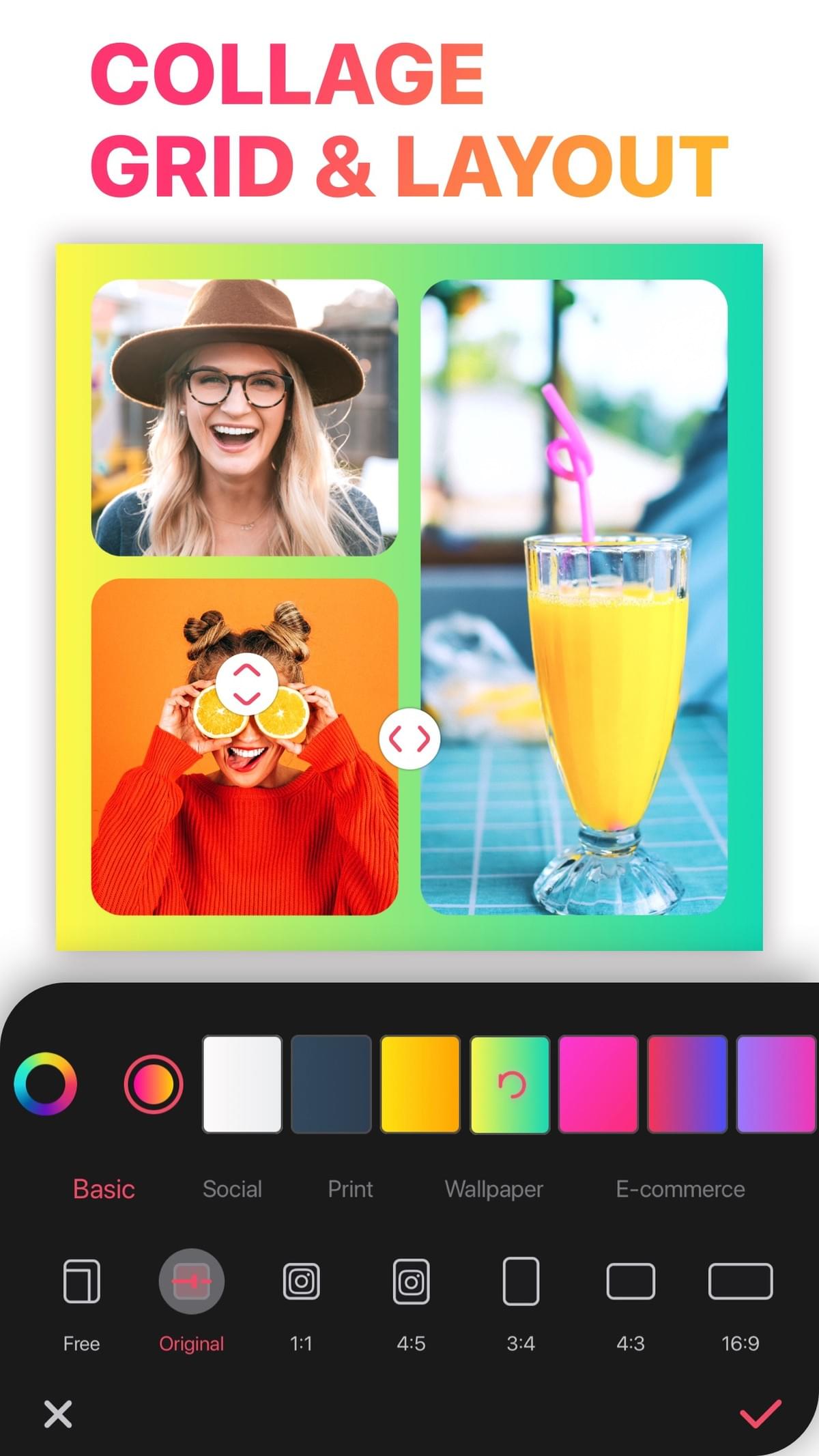
- Collage maker app · iPhone, iPad & Mac
Free Photo Collage Maker for iPhone, iPad and Mac
Pick a grid layout or a template, add your photos or videos, then adjust borders, ratio, text and stickers and save.
 Free to download. Rated 4.8 out of 5 from more than 178,000 ratings on the US App Store.
- 4.8 178,000+ US App Store ratings
- 20,000+Layouts in the app
- No watermarkOn every export, free or VIP
- 20+ photosIn a single collage
What you can makeGrids, scrapbooks, templates and video, in one app
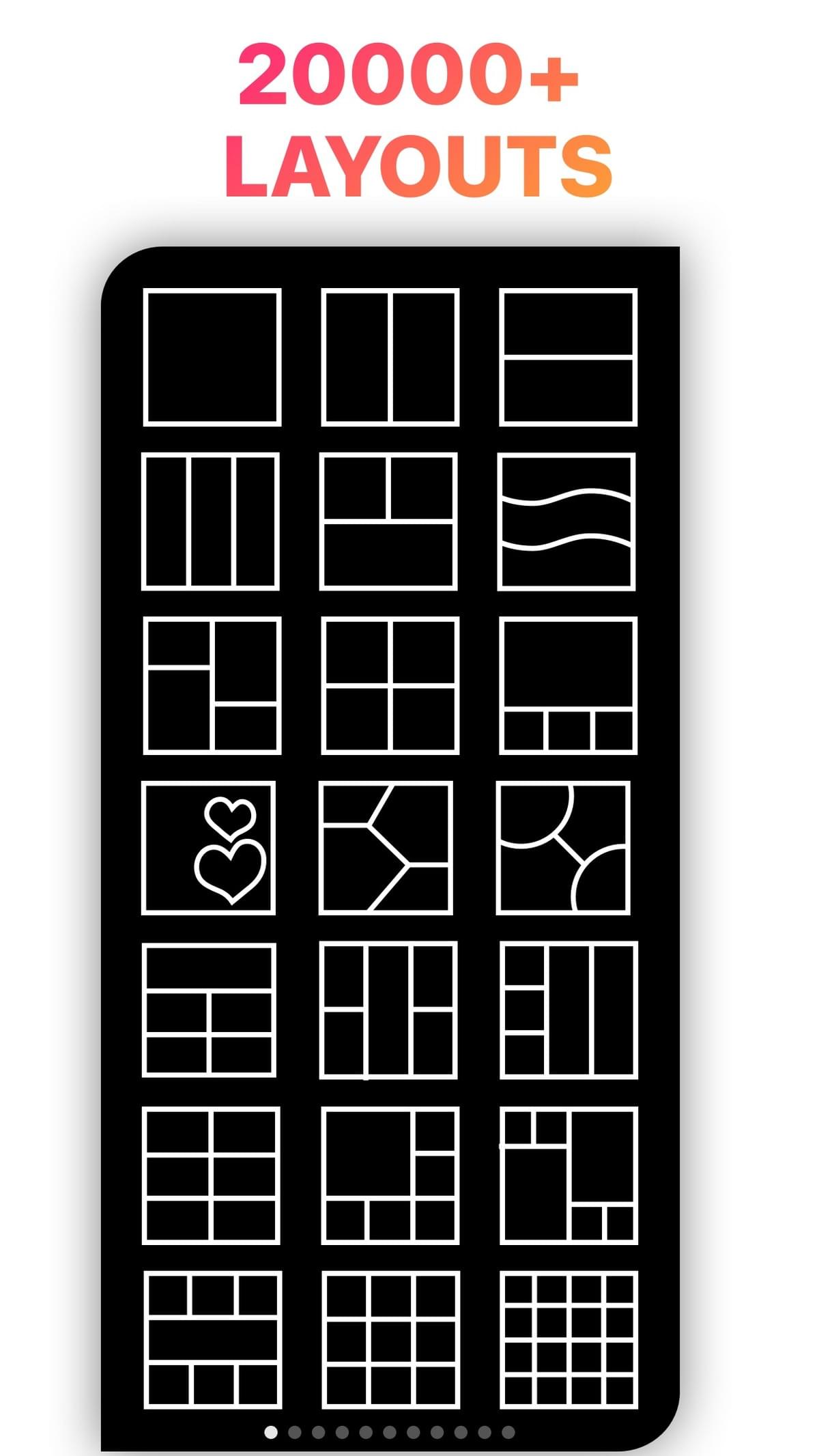
Photo collages and grids
Put 2 or more photos into one image, using 20,000+ layouts. Drag borders, round corners and change the background.
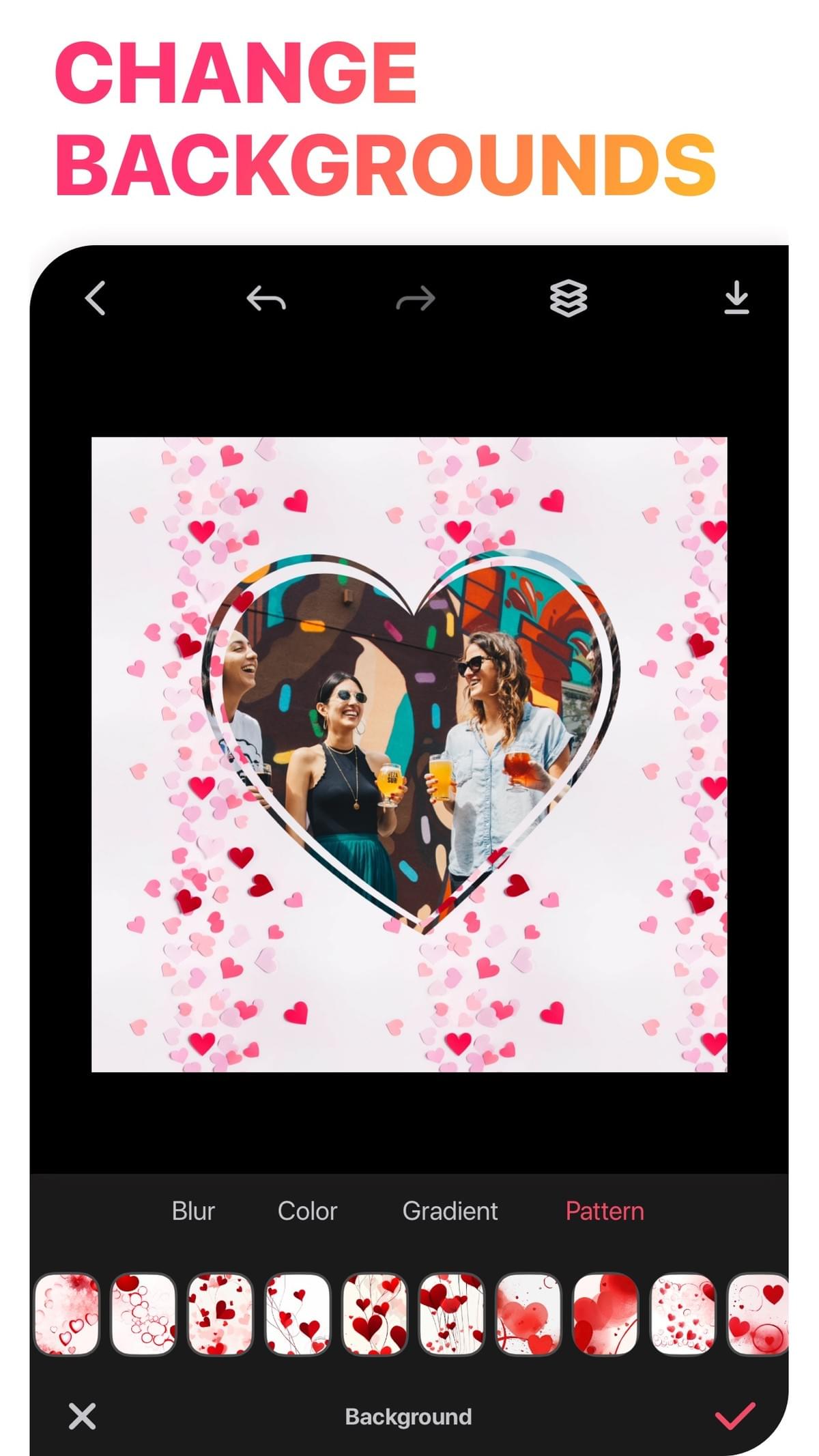
Freestyle collages and scrapbooks
Place photos anywhere on the canvas, cut out subjects, and add doodles and stickers.
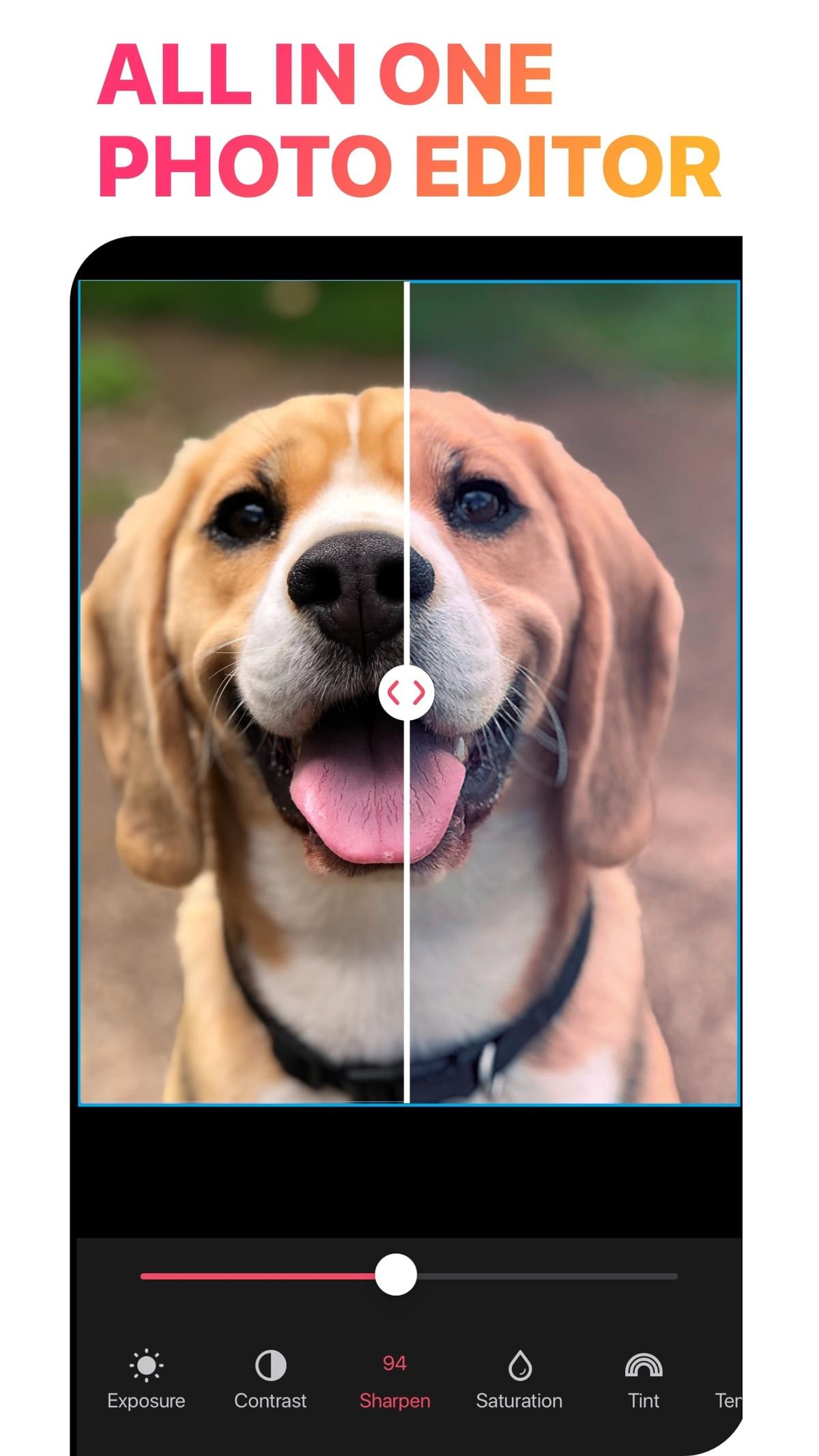
AI tools
Background removal and AI stickers. New users get 45 free AI credits.
Templates for every moment
Birthdays, weddings, babies, travel, holidays and seasonal packs.
Video collages and slideshows
Mix clips and photos in one layout, add music, trim, change speed and animate.
Text that stands out
Many fonts, plus 3D and curved text styles.
Every size
Square posts, 4:5 portrait, 9:16 stories, wallpapers and print exports.
How it worksHow to make a collage in LiveCollage
Download LiveCollage from the App Store and open it.
Choose Grid, Freestyle or Templates.
Select your photos or videos.
Adjust the layout, borders, ratio and background, then add text or stickers.
Tap Save to export to Photos, or share directly.
No surprisesWhat is free and what is VIP
FreeFree to download
Download the app and save collages.
- Many layouts, templates, stickers, backgrounds and fonts
- Many editing tools
- No watermark on exports
- 45 free AI credits for new users
- Ads appear only on the save screen, with no ads anywhere else
VIP · optionalVIP subscription
Starts with a 3-day free trial. Prices vary by region and are shown in the app.
- All premium templates
- All premium effects
- All premium backgrounds and stickers
- No watermark on exports
Why LiveCollageWhy people choose LiveCollage
- One app for grid collages, freestyle scrapbooks, templates and video collages
- Native on iPhone, iPad and Apple-silicon Mac
- Rated 4.8 out of 5 from more than 178,000 US App Store ratings
- Regular updates: version 16.8.4 was released on October 13, 2026
GuidesCollage guides
- Free collage makerWhat is free and what VIP adds
- Photo collagePut your photos into one image
- Collage makerGrids, freestyle and templates
- Free photo collageMake a photo collage free
- Photo layoutGrids, splits and mosaics
- Collage ideasIdeas for your next collage
Need help with the app? Visit LiveCollage help.
FAQFrequently asked questions
Is LiveCollage free?
Yes, it is free to download, and you can make and save collages with the free tools. A VIP subscription with a 3-day free trial unlocks all premium templates and effects. Exports never have a watermark.
Does LiveCollage work on Android?
No. LiveCollage is only available for iPhone, iPad and Apple-silicon Macs.
Can I put videos in a collage?
Yes. You can mix videos and photos in one layout, add music, and export the result as a video.
How many photos can I put in one collage?
You can combine 20+ photos in a single collage.
Who makes LiveCollage?
LiveCollage is made by VIDEO EDITOR PTE. LTD. You can reach support at livecollage.us@gmail.com.
Make your next collage with LiveCollage
Free to download, with no watermark on exports. VIP is optional.
Available for iPhone, iPad and Apple-silicon Macs. Not available on Android or as a web editor.