- Collage maker app · iPhone, iPad, Mac
Collage Maker for iPhone, iPad and Mac
Build grid collages, freestyle scrapbooks, template designs and video collages in one app, free to download with an optional VIP subscription.
 Free to download. For iPhone, iPad and Apple-silicon Macs.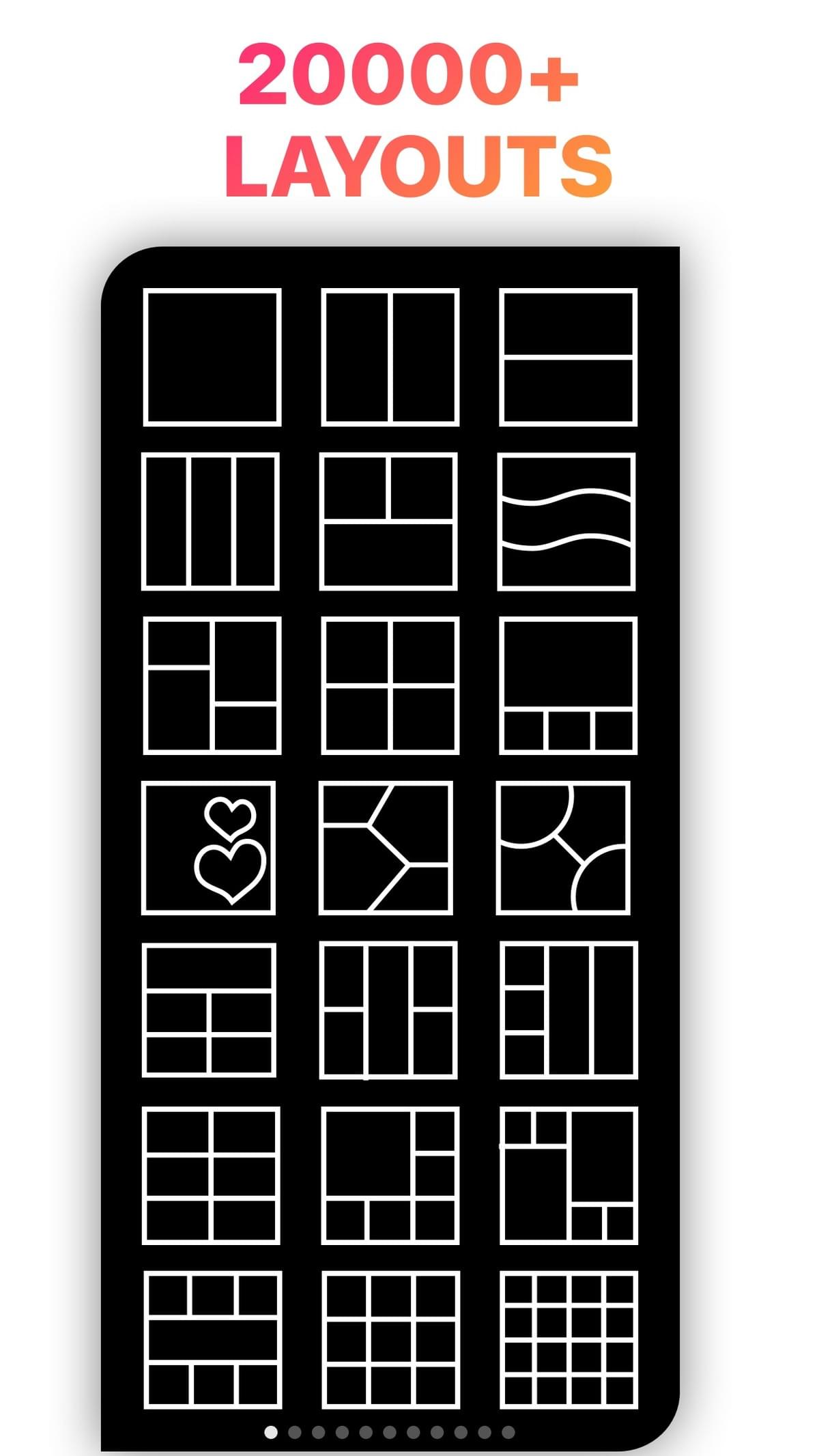
- 4.8 Average App Store rating
- 178K+Ratings on the US App Store
- No watermarkOn every export, free or VIP
- 20,000+Layouts in the app
ChecklistWhat a good collage maker should do, and how LiveCollage does it
You need In LiveCollage Many layouts 20,000+ grid layouts, from simple splits to mosaics Easy editing Drag dividers, zoom inside cells, change borders, corners and backgrounds Creative freedom Freestyle canvas with cutouts, doodles and stickers Fast results Templates for birthdays, weddings, babies, travel and holidays Video Video collages and slideshows with music, trim, speed and animation Text Fonts plus text styles such as 3D and curved text AI Background removal and AI stickers Right size 1:1, 4:5, 9:16, wallpapers and print Across devices iPhone, iPad and Apple-silicon Mac Three waysThree ways to build a collage
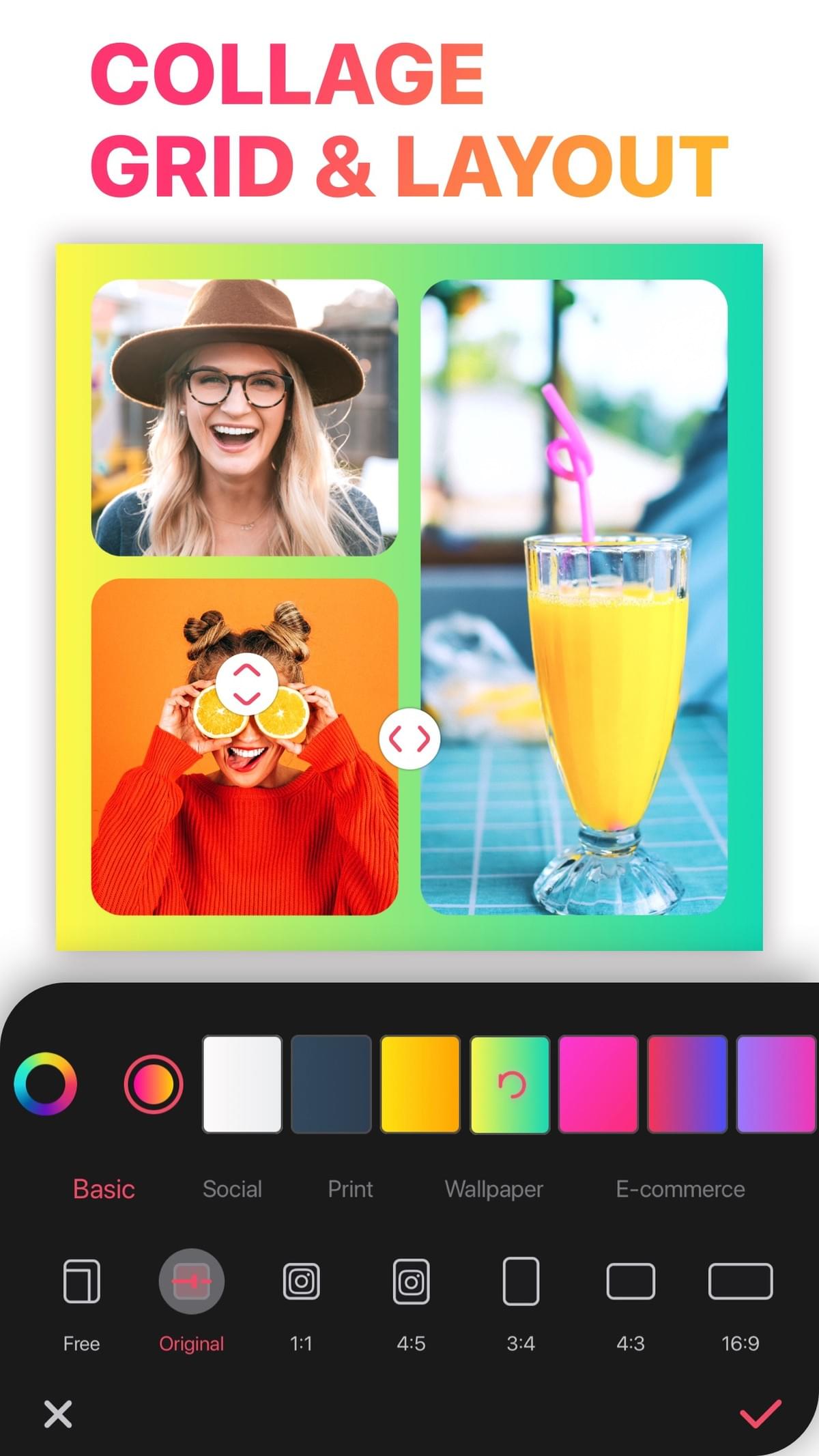
1. Grid
Choose a layout, then drop in your photos. The fastest way to post several photos as one.
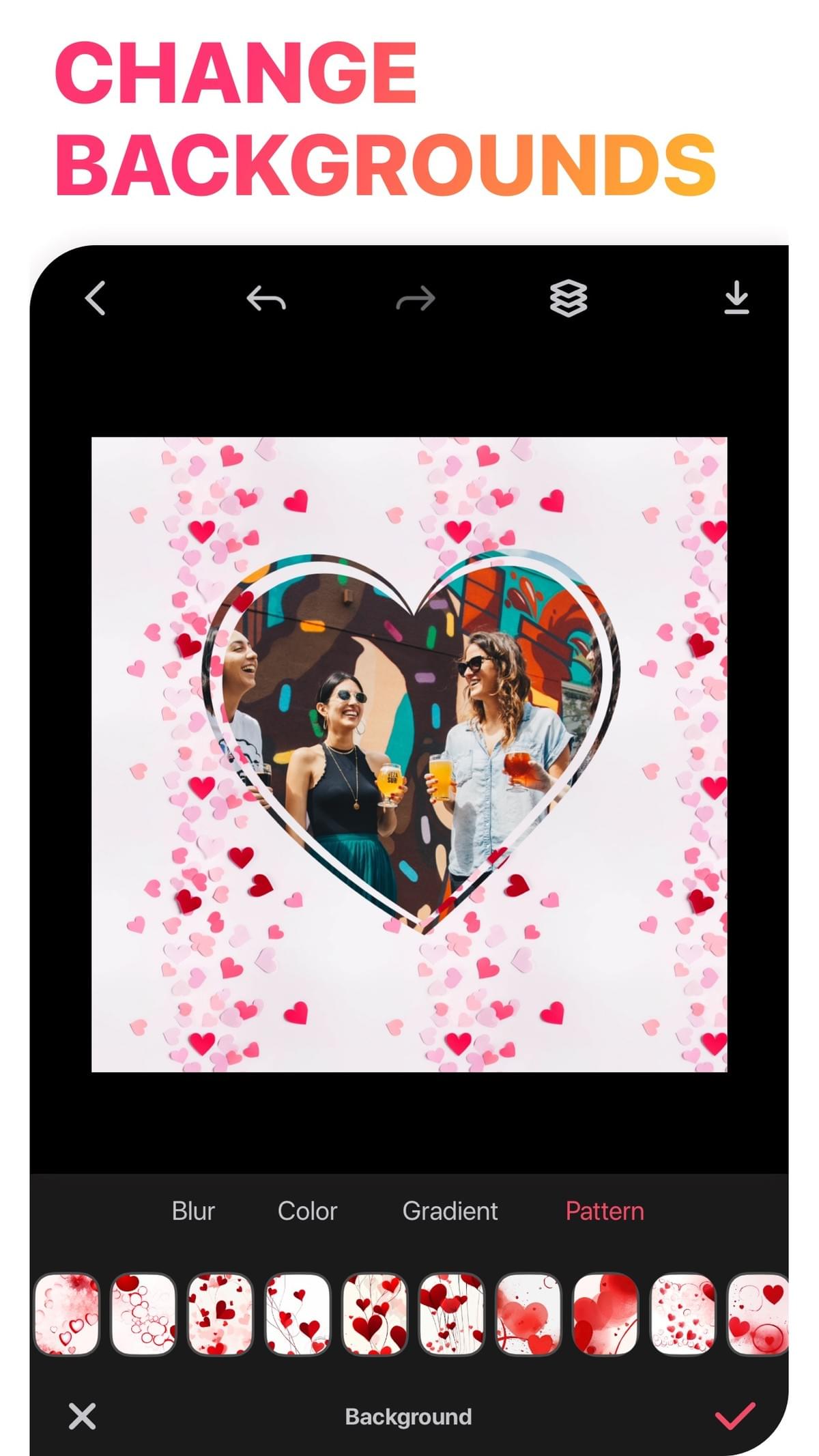
2. Freestyle
Place, rotate and layer photos, cut out people or pets, and add stickers and handwriting. Ideal for scrapbooks and moodboards.
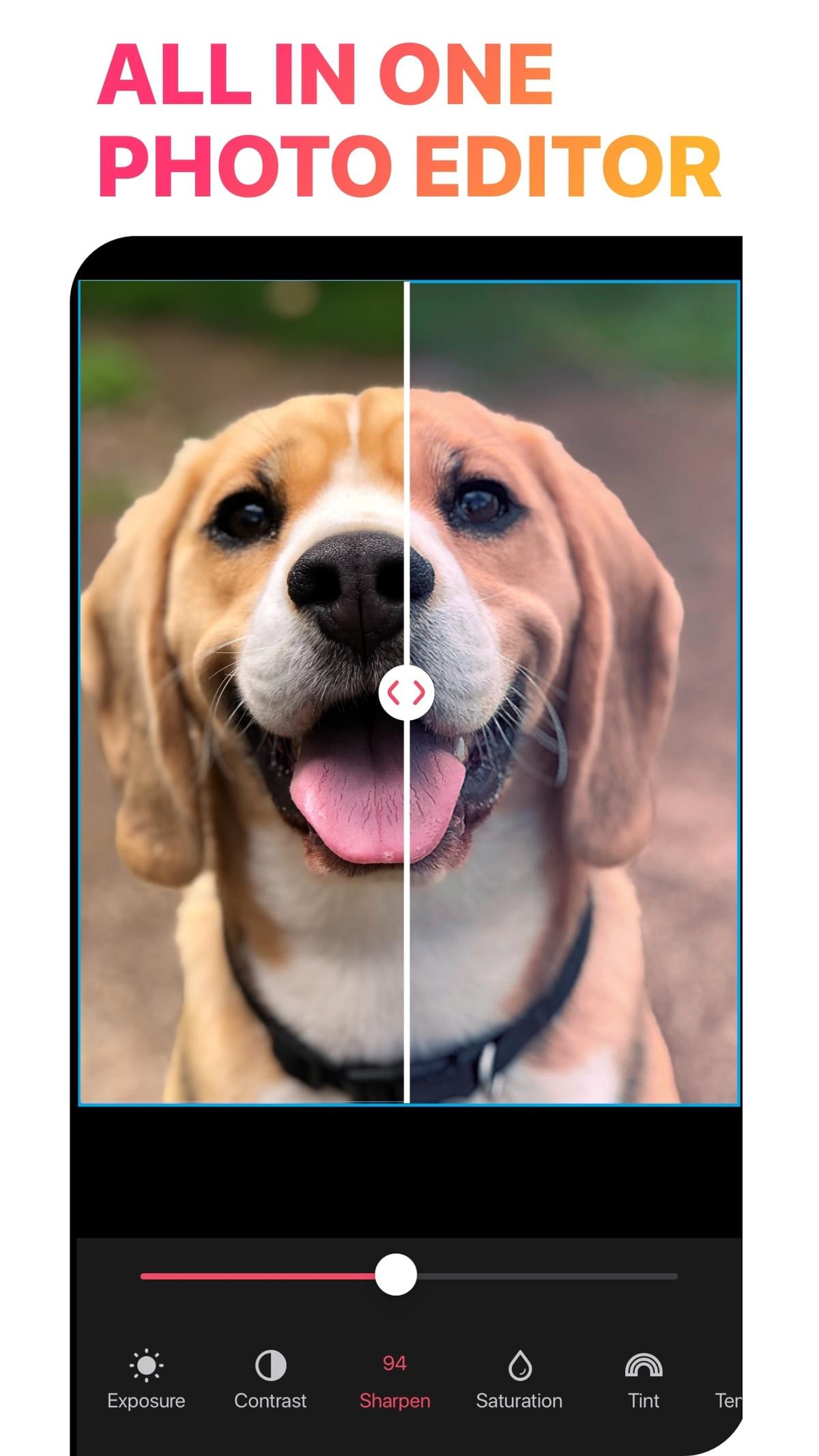
3. Templates
Start from a finished design, such as a birthday card or a holiday post, and replace the photos and text.
How toHow to use the LiveCollage collage maker
Download LiveCollage from the App Store.
Tap Grid, Freestyle or Templates.
Select photos and/or videos.
Pick a layout and size.
Customize the borders, background, text and stickers.
Save to Photos or share.
Who it's forWho uses a collage maker?
- Families: albums of trips, kids and holidays, plus printable keepsakes
- Creators: feed posts, stories and covers with consistent style
- Small businesses: product grids, menus, simple posters and announcements
- Students and teachers: project boards and event recaps
No surprisesWhat's free and what's VIP
VIP is optional and starts with a 3-day free trial. Exports have no watermark, free or VIP.
Feature Free VIP Download and use the app Yes Yes Grid layouts Many free All Freestyle canvas Many free Yes Templates Many free templates All premium templates Text and fonts Many free All fonts and styles Stickers and backgrounds Many free All packs Video collage Many free Yes AI tools 45 free credits Credits Watermark on export No No Ads Only on the save screen — Prices vary by region and are shown in the app before you subscribe. To cancel: iPhone Settings → your name → Subscriptions → LiveCollage. Deleting the app does not cancel a subscription.
We list what is free so you can decide before you download. Many collage maker apps are free to download but sell premium content by subscription, and LiveCollage works the same way.
CompareHow LiveCollage compares to other options
- Built-in phone tools: fine for a quick grid, with few design options.
- Design suites: huge template libraries for many kinds of design; more general-purpose.
- Browser tools: no install needed, but usually photo-only with basic layouts.
- LiveCollage: focused on collages, covering grid, freestyle, templates and video collage in one native Apple app.
Before you chooseFeatures to look for in a collage maker
- Layout control. Resize cells, not just pick a preset. In LiveCollage you drag the dividers and pinch inside cells.
- Export quality. Check that the app saves at high resolution for printing.
- Honest pricing. Look for a clear list of what is free. Ours is above.
- Video support. A collage maker with video saves you a second app.
- Updates. LiveCollage is still updated; version 16.8.4 was released on October 13, 2026.
FAQFrequently asked questions
Is LiveCollage a free collage maker?
It is free to download and has free tools for making collages. VIP unlocks all premium content and comes with a 3-day free trial. Exports have no watermark.
Does the collage maker support video?
Yes. You can make video collages and slideshows with music.
Is there an Android version?
No. LiveCollage is for iPhone, iPad and Apple-silicon Macs.
How do I cancel VIP?
Open iPhone Settings, tap your name, then Subscriptions, then LiveCollage. Subscriptions renew automatically unless you cancel at least 24 hours before the end of the period.
One collage maker for every style
Grid, freestyle, templates and video collages, all in one native Apple app.
Available for iPhone, iPad and Apple-silicon Macs. Not available on Android or as a web editor.