- Free collage maker · iPhone & iPad
Free Collage Maker for iPhone: What's Free in LiveCollage
Make and save collages with free layouts, a freestyle canvas, text and stickers. Exports have no watermark.
 Free to download. For iPhone, iPad and Apple-silicon Macs.

- 4.8 Average App Store rating
- 178K+Ratings on the US App Store
- No watermarkOn every export, free or VIP
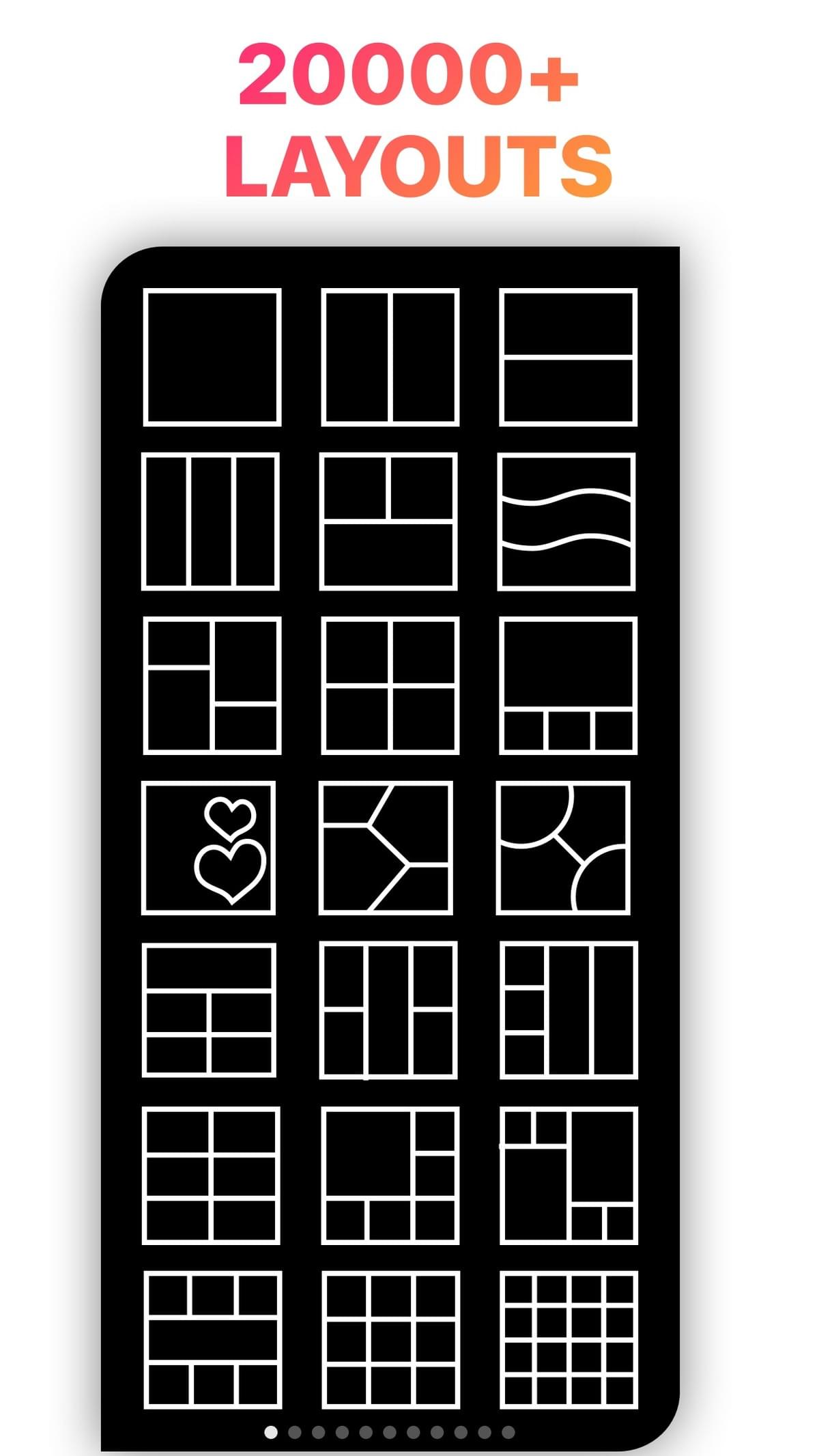
- 20,000+Layouts in the app
What you get freeEverything you need for a collage, before you pay anything
Many resources and tools are free. The optional VIP subscription, with a 3-day free trial, unlocks every premium template, effect and background.
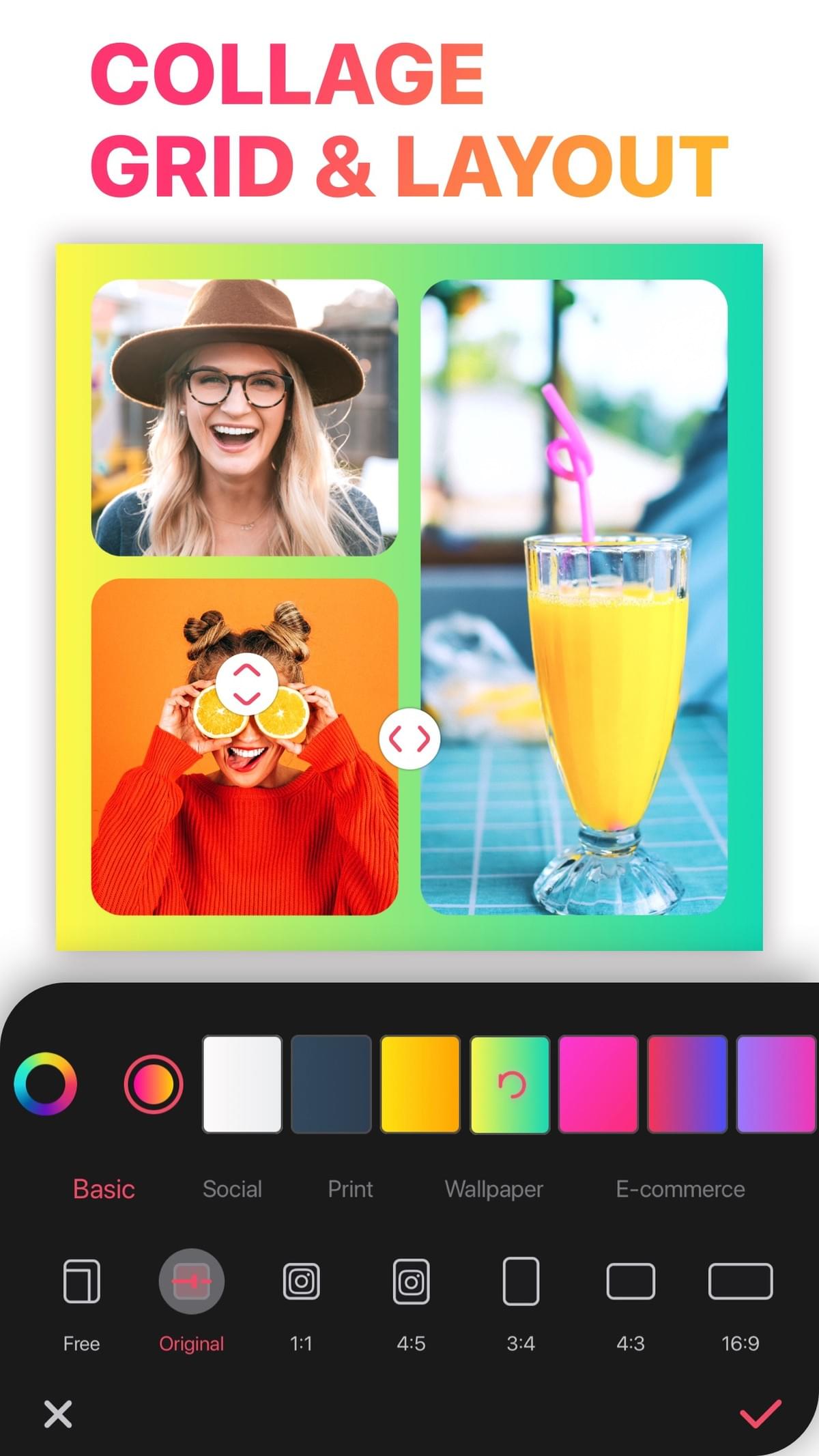
Free grid layouts
Pick any free layout, add your photos, then adjust the borders, background and ratio.
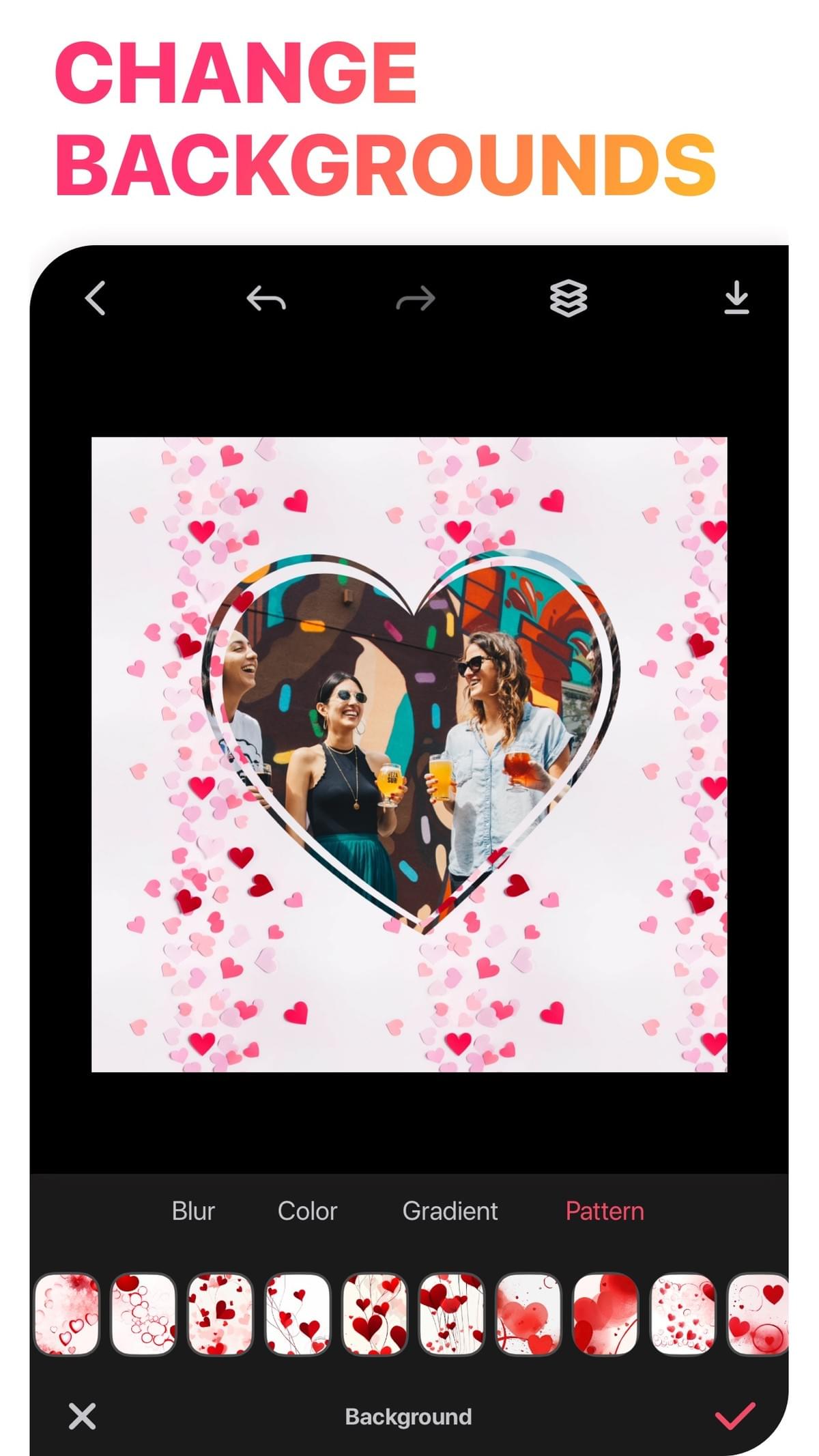
Freestyle, text and stickers
Build a moodboard on the freestyle canvas and finish it with free text, stickers and backgrounds.
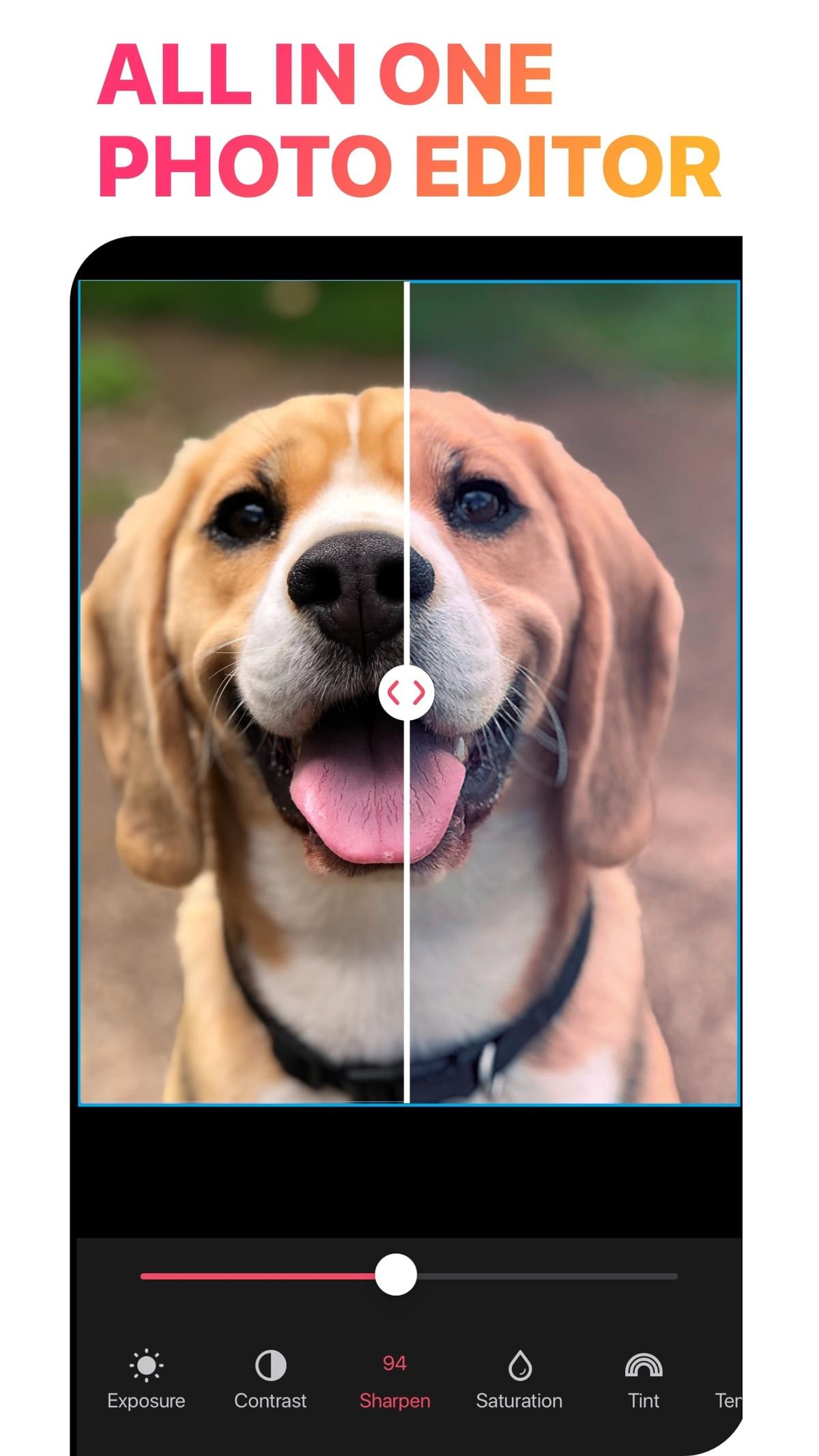
45 free AI credits
AI tools use credits, and 45 free credits are included. Video collage has many free options too.
How it worksHow to make a free collage in LiveCollage
Download LiveCollage free from the App Store.
When the VIP offer appears, close it if you don't want a trial.
Tap Grid and choose any free layout (premium ones are marked in the app).
Add your photos and adjust the borders, background and ratio.
Add text or free stickers.
Tap Save.
No surprisesWhat's free and what's VIP
VIP is optional and starts with a 3-day free trial. It converts to a paid subscription unless you cancel at least 24 hours before the trial ends.
Feature Free VIP Download and use the app Yes Yes Grid layouts Many free All Freestyle canvas Many free Yes Templates Many free templates All premium templates Text and fonts Many free All fonts and styles Stickers and backgrounds Many free All packs Video collage Many free Yes AI tools 45 free credits Credits Watermark on export No No Ads Only on the save screen — Prices vary by region and are shown in the app before you subscribe. To cancel: iPhone Settings → your name → Subscriptions → LiveCollage. Deleting the app does not cancel a subscription.
FAQQuestions about free
Is LiveCollage really free?
Yes, the app is free to download and you can make and save collages with free tools. Premium content requires VIP.
Does LiveCollage add a watermark?
No. Collages you export from LiveCollage have no watermark, whether you use the free version or VIP.
Are there ads?
In the free version, ads appear only on the save screen. There are no ads anywhere else in the app.
Is there a free collage maker with no subscription?
Some web tools are completely free. LiveCollage is free to use without subscribing, and VIP is optional.
Does the free trial charge me automatically?
Yes, unless you cancel at least 24 hours before the trial ends.
Make your first collage free today
Free to download, no watermark on exports, and VIP only if you want it.
Available for iPhone, iPad and Apple-silicon Macs. Not available on Android or as a web editor.