

- Collage ideas · templates · video
How to Make a Collage on iPhone: Ideas and Templates
Choose a grid, freestyle canvas or template, add photos or videos, decorate and save. Pic collages and video collages included.
 Free to download. For iPhone, iPad and Apple-silicon Macs.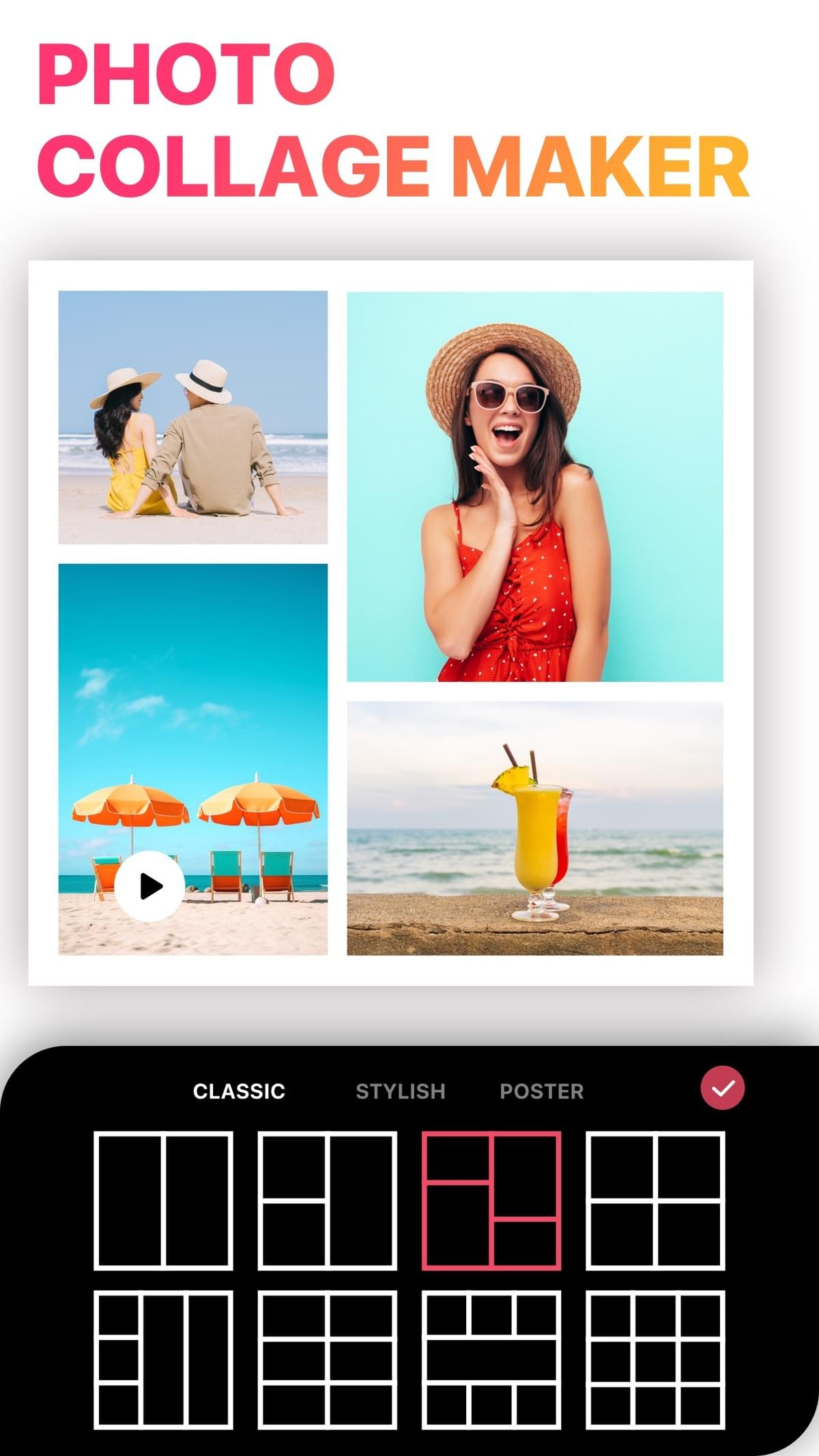
- 4.8 Average App Store rating
- 178K+Ratings on the US App Store
- No watermarkOn every export, free or VIP
- 20,000+Layouts in the app
Kinds of collageKinds of collage you can make
- Photo grid: tidy cells, fast to make
- Pic collage / picture collage: a general term for combining pictures into one image
- Scrapbook / freestyle collage: overlapping photos, cutouts, stickers and handwriting
- Moodboard: colors, textures and inspiration photos for a project
- Video collage: several clips playing in one frame, with music
- Card or poster: a template-based design with text
“Pic collage” here means a picture collage in general. LiveCollage is not affiliated with any app of a similar name.
Inspiration15 collage ideas
Year in review: 12 months in a 3×4 grid
Trip recap: a map screenshot plus highlights
Birthday countdown: one photo per year of age
Baby's first year: monthly photos
Wedding thank-you card
Pet's day out
Outfit of the week
Recipe steps
Before and after (home, garden, fitness)
Friends' group photo wall
Holiday family card
Concert or game-day story
Room moodboard
Graduation memories
Anniversary “then and now”
How toHow to make a collage in LiveCollage
Download LiveCollage free and open it.
Choose Grid (structured), Freestyle (scrapbook) or Templates (designed).
Add photos and/or videos.
Decorate with backgrounds, borders, stickers, text and cutouts.
For video, add music and trim the clips.
Export as an image or video and share.
VideoMake a video collage
Put clips side by side, set the order in which they play, add a soundtrack and animate stickers or text. Then export a video you can post as a story or reel.
By occasionCollage by occasion
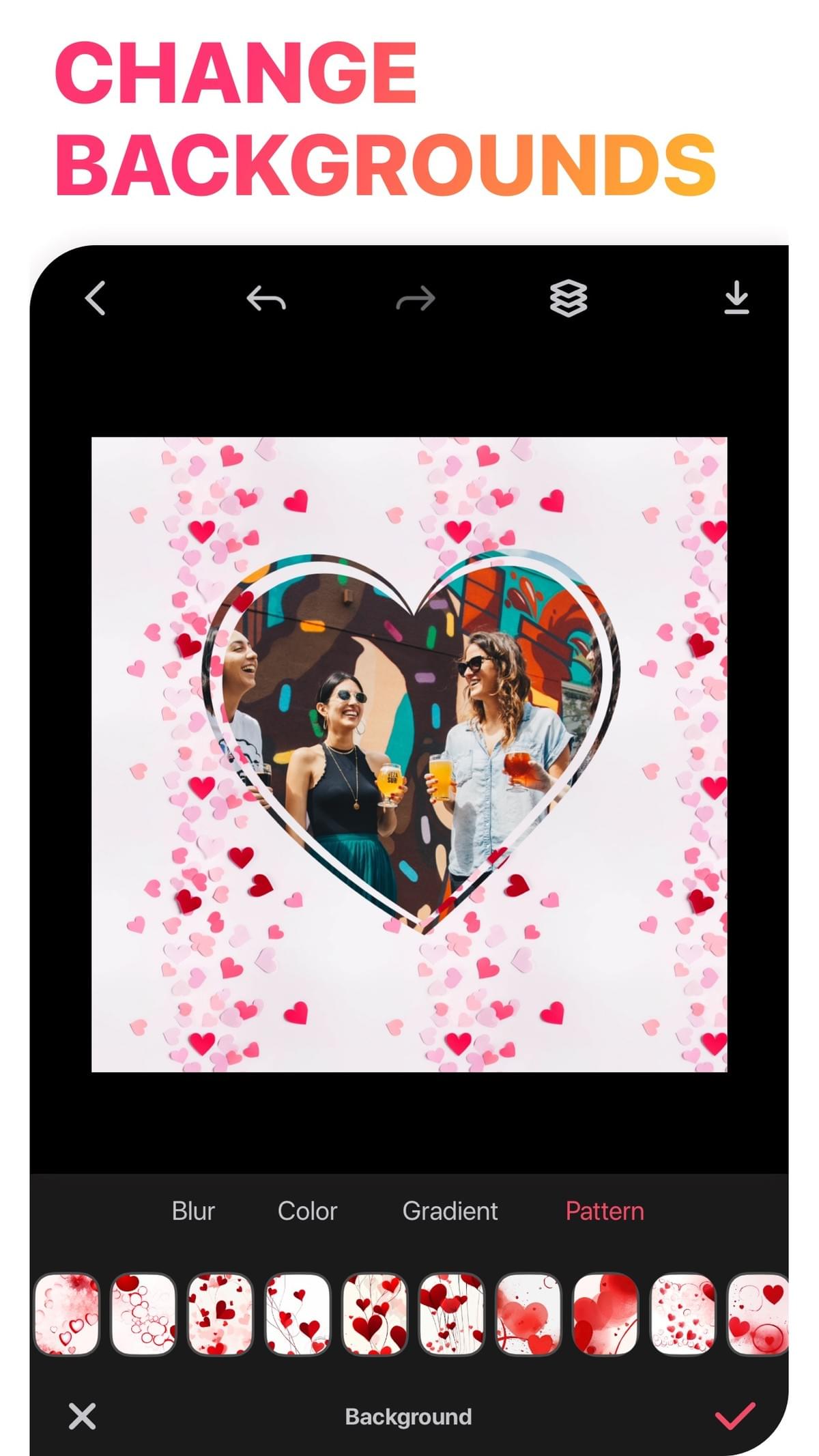
Birthdays & weddings
Start from a birthday template and change the name and age. For weddings, use soft borders, one large portrait and script fonts for names and dates.
Travel & holidays
Lead with a landscape, then add food, people and signs, with the place name as a title. Seasonal stickers and backgrounds turn a family photo into a card.
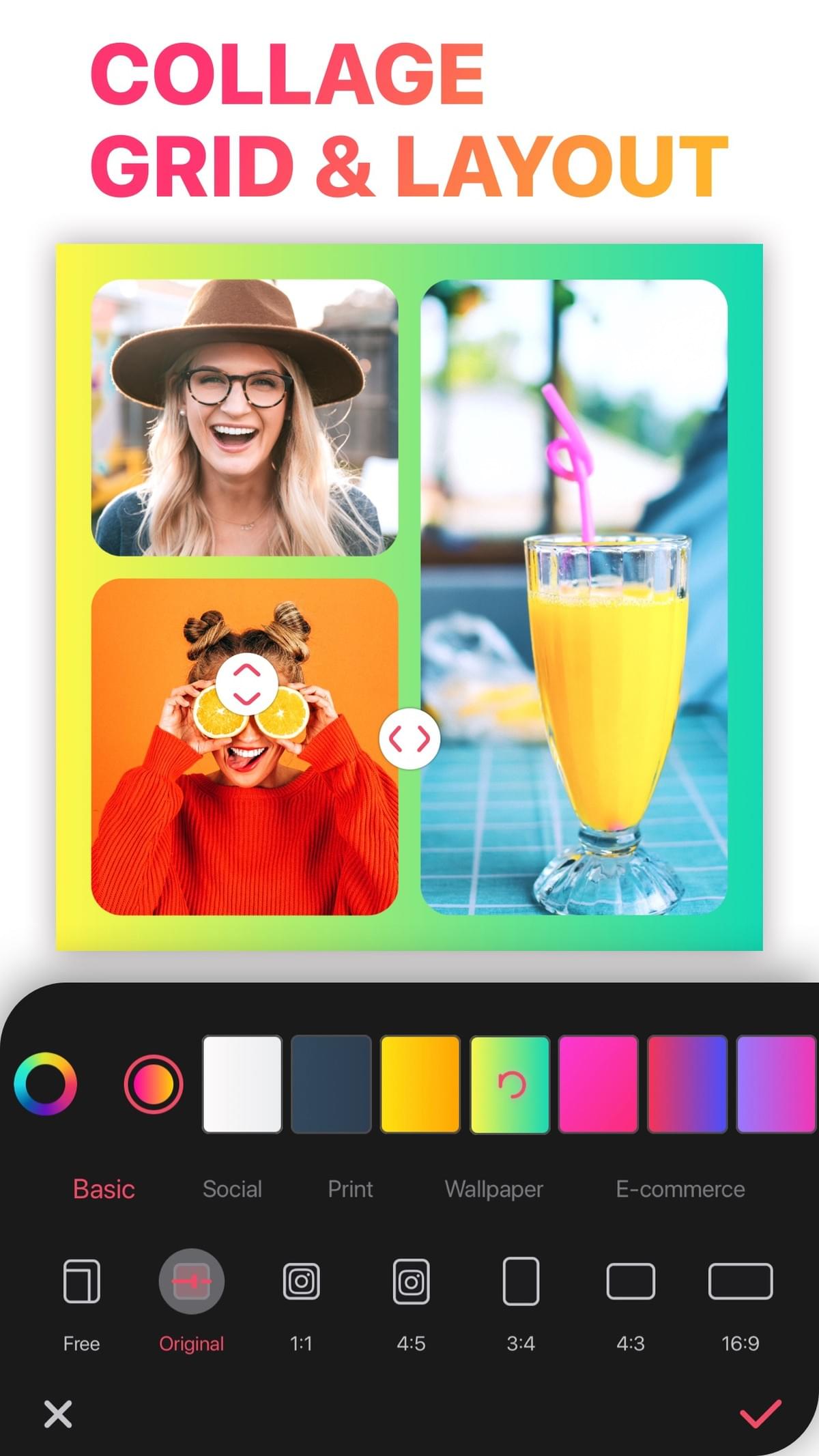
School & small business
A 3×3 grid of moments with the class year in large text, or a product grid with the price in text.
Design tipsDesign tips
- Choose a theme color and repeat it in your text and stickers.
- Leave space. A collage doesn't need to fill every pixel.
- Mix scales: one big photo with several small ones.
- Cut out subjects to layer them over a background for depth.
- Keep text short: a title plus a date.
No surprisesWhat's free and what's VIP
VIP is optional and starts with a 3-day free trial. Exports have no watermark, free or VIP.
Feature Free VIP Download and use the app Yes Yes Grid layouts Many free All Freestyle canvas Many free Yes Templates Many free templates All premium templates Text and fonts Many free All fonts and styles Stickers and backgrounds Many free All packs Video collage Many free Yes AI tools 45 free credits Credits Watermark on export No No Ads Only on the save screen — Prices vary by region and are shown in the app before you subscribe. To cancel: iPhone Settings → your name → Subscriptions → LiveCollage. Deleting the app does not cancel a subscription.
FAQFrequently asked questions
What is a collage?
A collage is a single artwork made by combining photos, paper, text or other elements. On a phone, it usually means several photos arranged in one image or video.
What is a pic collage?
“Pic collage” is an informal term for a picture collage, which is several pictures combined into one. You can make one in LiveCollage.
Can I make a collage with music?
Yes. Make a video collage and add music.
How do I make a collage for free?
Download LiveCollage, choose a free layout or template, add your photos and save. VIP is optional.
Can I make a collage on my Mac?
Yes, on Macs with Apple silicon.
Pick an idea and start your collage
Photos, videos, stickers and text in one free app.
Available for iPhone, iPad and Apple-silicon Macs. Not available on Android or as a web editor.